
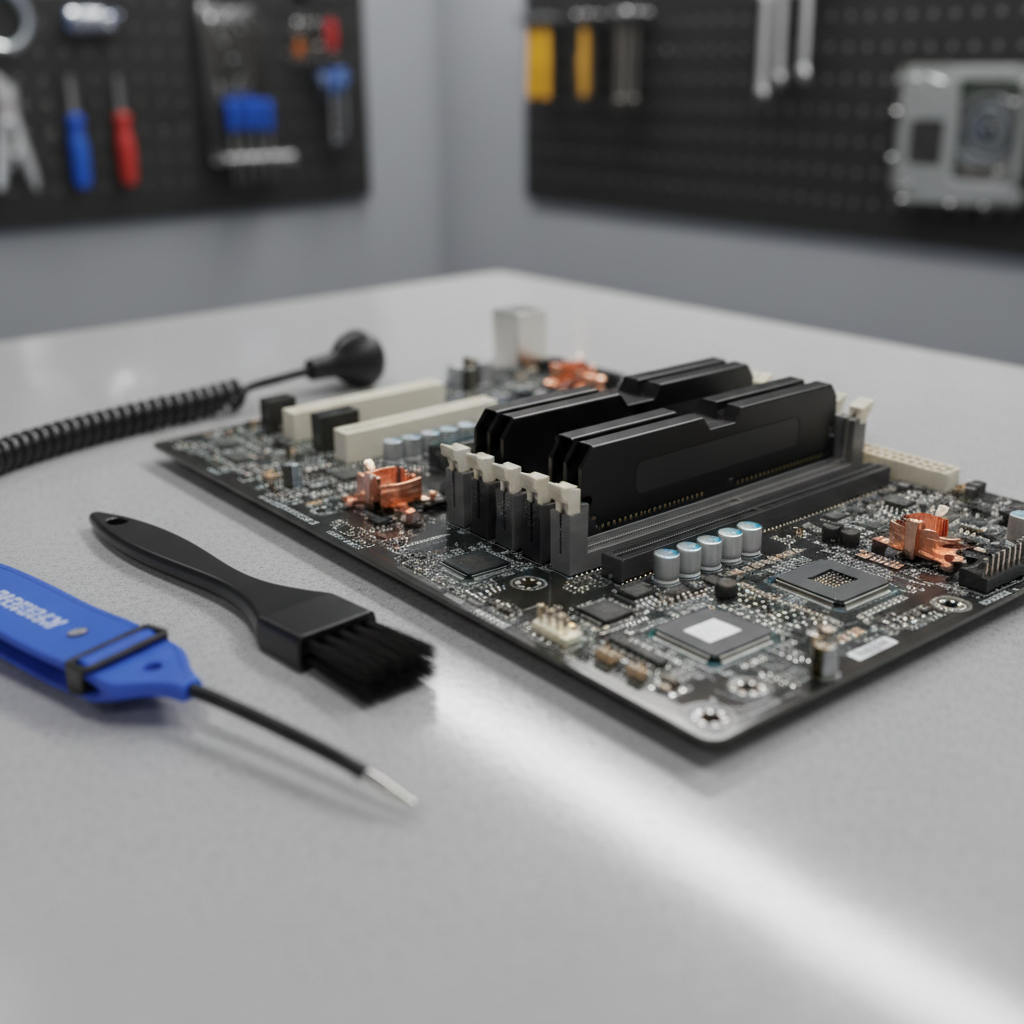
When your computer starts acting up, the temptation to save money with a DIY fix can be strong. However, what seems like a budget-friendly solution often leads to more expensive problems down the road.
The Hidden Costs of DIY Computer Repair Risks
Many people underestimate the complexity of modern computer systems. While YouTube tutorials make repairs look simple, they rarely show the complications that arise when things go wrong. Professional technicians spend years learning proper diagnostic techniques, handling procedures, and troubleshooting methods that can't be replicated by watching a few videos.
When you attempt repairs without proper knowledge, you risk damaging sensitive components. A simple RAM upgrade gone wrong can damage your motherboard's memory slots, turning a $50 repair into a $300+ replacement. If you're considering upgrading your system's memory, products like Crucial 16GB DDR4-2666 Desktop RAM or Crucial 32GB DDR4-2666 Desktop RAM require careful installation to avoid costly mistakes.
Warranty Violations You Might Not Know About
One of the most significant DIY computer repair risks involves warranty coverage. Many manufacturers void warranties when unauthorized repairs are attempted. That sticker seal you broke? It might have just cost you hundreds in warranty protection. Opening your computer case or replacing components without professional assistance can immediately invalidate your coverage, leaving you responsible for all future repair costs.
This is particularly important for newer systems like the Acer Aspire TC-895 Desktop PC, which come with manufacturer warranties that require authorized service to remain valid.
The Wrong Tools and Parts Problem
Professional repair shops invest in specialized tools and diagnostic equipment that most homeowners don't have access to. Using improper tools can strip screws, crack circuit boards, or cause static discharge that fries delicate electronics. Additionally, purchasing the wrong replacement parts is a common and expensive mistake.
Consider these common DIY pitfalls:
- Ordering incompatible components that can't be returned once opened
- Using excessive force on delicate connectors and breaking them
- Failing to properly ground yourself, causing static damage to components
- Mixing up similar-looking cables and connectors
- Over-tightening screws and cracking circuit boards
Even seemingly straightforward upgrades like installing an internal Wi-Fi + Bluetooth PCIe card require knowledge of proper seating techniques, driver installation, and potential conflicts with existing hardware.
Time Is Money: The Opportunity Cost
DIY repairs often take significantly longer than anticipated. What professionals complete in 30 minutes might take you several hours or even days of troubleshooting. During this time, you're without a functioning computer, potentially losing productivity, missing deadlines, or being unable to complete important tasks. The frustration and stress of dealing with DIY computer repair risks can quickly outweigh any perceived savings.
When Professional Service Makes Financial Sense
Professional repair shops offer diagnostic services that identify the actual problem, not just the symptoms. This prevents the costly trial-and-error approach common with DIY repairs. Technicians also have access to wholesale parts pricing and can often source components more affordably than retail consumers.
Moreover, professional repairs come with service guarantees. If something goes wrong after a repair, your local shop will fix it at no additional cost. DIY repairs offer no such protection—if you make things worse, you'll pay twice: once for your failed attempt and again for professional correction.
If you're considering building or upgrading your system, explore our custom built computers or check out our clearance section for professionally assembled systems that come with proper warranties and support.
Make the Smart Choice for Your Computer
While DIY computer repair risks might seem manageable, the potential for costly mistakes, warranty violations, and time loss often exceeds professional service fees. Before attempting your next computer repair, contact your local repair shop for a consultation. Our experienced technicians can assess your situation, provide accurate quotes, and ensure your repairs are done right the first time—saving you money, stress, and potential headaches in the long run.