
Understanding Your Computer's Needs
Computers are crucial tools in our daily lives, whether for work, gaming, or personal use. To extend computer life, regular maintenance and care are essential. By following a few practical tips, you can enhance your device's performance and longevity, ultimately saving money on repairs and upgrades.
Regularly Update Software
Keeping your operating system and software updated is vital for your computer's health. Updates often include security patches, bug fixes, and performance improvements. Make sure to enable automatic updates for your OS and regularly check for updates on your applications.
Keep Your Computer Clean
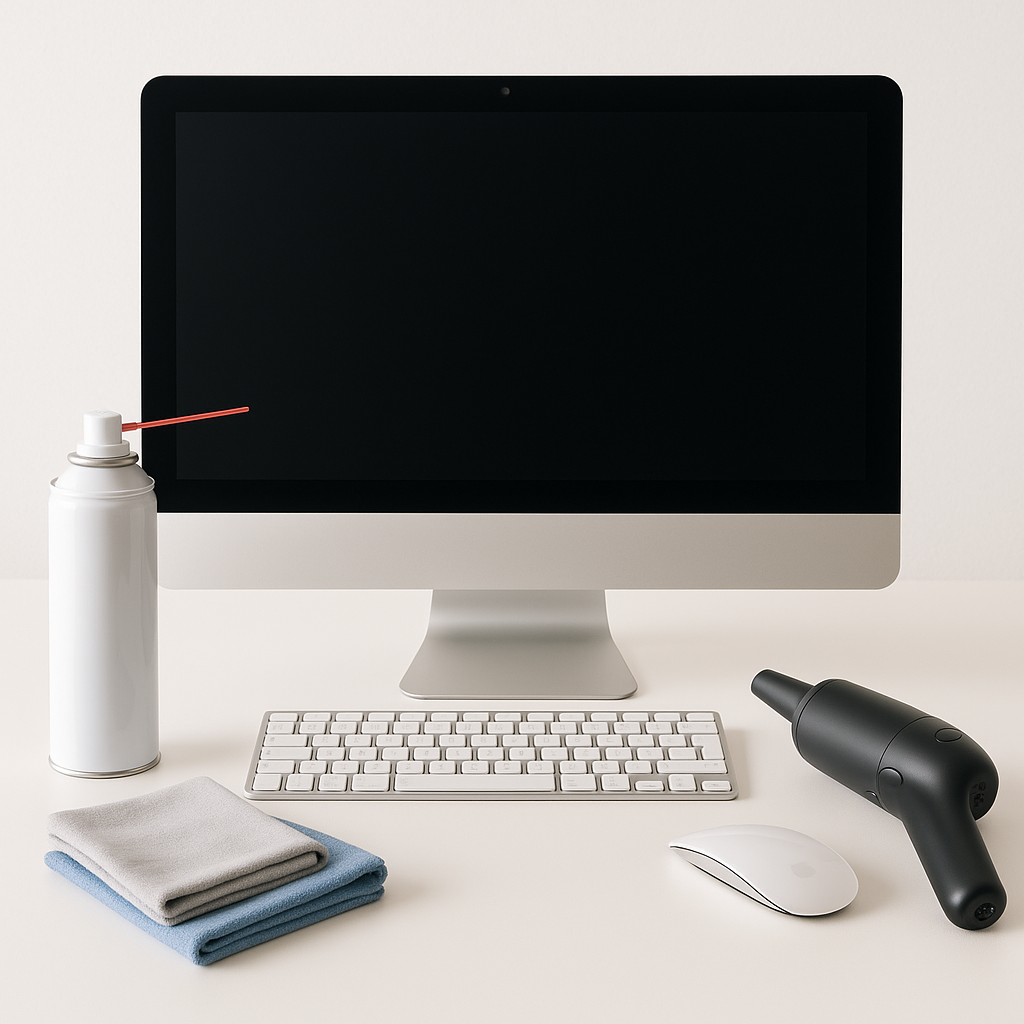
Dust and debris can accumulate inside and outside your computer, leading to overheating and hardware damage. Here are some cleaning tips:
- External Cleaning: Use a soft microfiber cloth to wipe down your computer case, keyboard, and monitor.
- Internal Cleaning: Power off your computer and carefully open the case (if applicable). Use compressed air to blow out dust from fans and components.
- Regular Maintenance: Schedule a deep clean every few months to ensure optimal performance.
Optimize Storage Space
Running low on storage can impede your computer's performance. To extend computer life, consider the following:
- Uninstall unnecessary programs and files.
- Use cloud storage or external hard drives for large files.
- Regularly empty your recycling bin and temporary files.
Invest in Quality Hardware
If you're considering an upgrade, think about investing in quality hardware that will last. For example, our Acer Aspire TC-895 Desktop PC or a Complete Dell Computer with 2 Monitors are excellent choices for those looking to boost their system without breaking the bank. Investing in reliable components can significantly contribute to the longevity of your setup.
Utilize Power Management Settings
Power management settings can help reduce wear on your computer’s components. Use sleep mode when your computer is idle, and adjust settings to ensure that your system conserves energy without compromising performance.
Conclusion
By implementing these extend computer life tips, you can maintain your computer’s performance and lifespan. For further assistance or if you’re considering a new setup, browse our selection of new custom-built computers or check out our clearance section for budget-friendly options. Don’t hesitate to contact us at Willetton Computers for personalized support!