
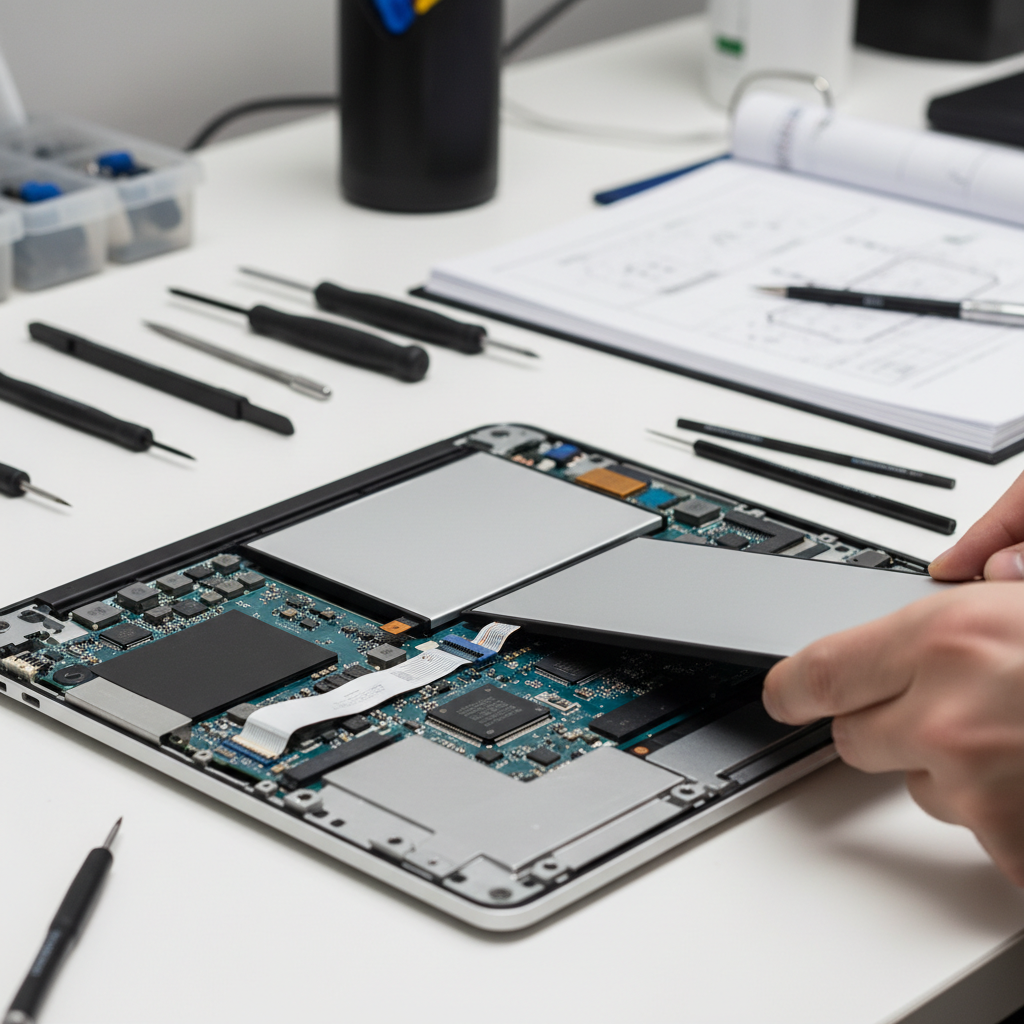
Is your laptop dying faster than ever, or refusing to hold a charge? Understanding when to invest in laptop battery repair versus replacement can save you hundreds of dollars and extend your device's lifespan.
Signs Your Laptop Battery Needs Attention
Laptop batteries don't last forever, but knowing the warning signs helps you act before a minor issue becomes a major problem. Most laptop batteries are designed to retain about 80% of their original capacity after 500 charge cycles, but real-world usage often accelerates degradation.
- Rapid discharge: Your laptop drains from 100% to empty in under two hours during normal use
- Charging inconsistencies: The battery percentage jumps erratically or refuses to charge past a certain point
- Physical swelling: A bulging battery is a safety hazard requiring immediate attention
- Overheating: Excessive heat during charging or use indicates potential battery failure
- Age: Batteries older than 3-4 years typically need replacement regardless of visible symptoms
Understanding Laptop Battery Repair Options
When we talk about laptop battery repair, we're usually discussing battery replacement rather than fixing the battery cells themselves. Modern lithium-ion batteries are sealed units that can't be safely repaired at the cell level. However, the decision between professional laptop battery repair service and DIY replacement depends on several factors.
For integrated batteries built into your laptop's chassis, professional service is essential. Attempting DIY removal risks damaging delicate components and voiding warranties. Removable batteries offer more flexibility, but even these benefit from professional installation to ensure proper calibration and compatibility.
If your laptop's performance is suffering from more than just battery issues, upgrading components like installing a Crucial BX200 240GB 2.5" SATA III SSD can breathe new life into an aging machine while you address battery concerns.
When Replacement Makes More Financial Sense
Sometimes the most cost-effective solution isn't repairing your current laptop at all. If your device is more than five years old and experiencing multiple issues beyond battery life, investing in a newer model might be wiser. A budget-friendly option like the 15.6 inch Lenovo IdeaPad 1 with Windows 11 delivers modern performance at a fraction of the cost of premium repairs on outdated hardware.
Consider replacement when:
- The laptop battery repair cost exceeds 40% of your device's current value
- Your laptop has multiple failing components beyond the battery
- Replacement batteries for your model are discontinued or prohibitively expensive
- Your computing needs have outgrown your current laptop's capabilities
Extending Battery Life While You Decide
While evaluating your laptop battery repair options, you can maximize your remaining battery life with smart usage habits. Keep your laptop plugged in when working at a desk, but avoid leaving it at 100% charge constantly. The 40-80% charge range is optimal for longevity.
Consider using external accessories to reduce battery drain. A 4 Port USB HUB Dock 3.0 Type A or Type C HUB allows you to connect multiple peripherals through a single port, reducing power consumption from multiple connections. Browse our selection of laptop chargers to ensure you're using the correct wattage for your device, as improper chargers accelerate battery degradation.
Professional Assessment: Your Best First Step
Before committing to any laptop battery repair decision, get a professional diagnostic. Your local repair shop can test battery health, check for software issues causing excessive drain, and provide accurate replacement cost estimates. What seems like a battery problem might actually be a software issue, faulty charger, or power management setting that's easily corrected.
Professional technicians can also identify whether your specific model has known battery issues covered by manufacturer recalls or extended warranty programs, potentially saving you the entire repair cost.
Ready to resolve your laptop battery issues? Explore our complete range of laptop batteries or contact us today for expert advice tailored to your specific device and budget. Our experienced technicians can diagnose your issue and recommend the most cost-effective solution to get you back to full productivity.