
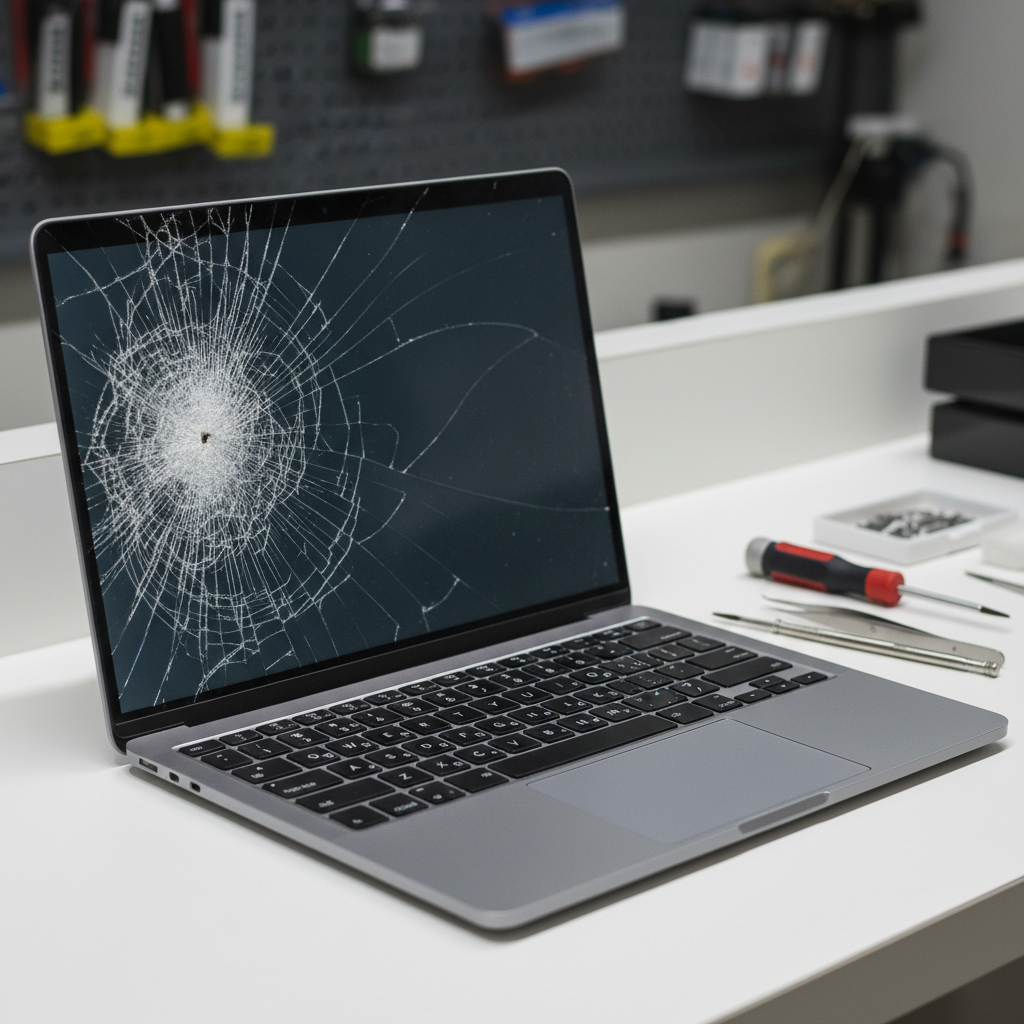
Your laptop screen is your window to productivity, entertainment, and communication. When issues arise, it can be difficult to determine whether you need a simple laptop screen repair or a complete replacement. This guide will help you identify common screen problems and understand your options.
Common Laptop Screen Issues and Their Symptoms
Before deciding on repair or replacement, it's important to correctly diagnose the problem. Here are the most common laptop screen issues:
- Physical Cracks: Visible damage to the screen surface, often caused by drops or pressure
- Dead Pixels: Small black or colored dots that don't change, indicating pixel failure
- Flickering Display: Screen intermittently flashes or flickers, which may indicate cable or backlight issues
- Discoloration: Yellow tints, dark spots, or uneven brightness across the display
- Backlight Problems: Screen appears very dim or completely black, though you can faintly see images
- Lines or Artifacts: Horizontal or vertical lines, distortion, or strange patterns appearing on screen
When Laptop Screen Repair Is Possible
Not all screen issues require a full replacement. Some problems can be resolved through targeted laptop screen repair services. Flickering displays often result from loose cable connections between the screen and motherboard, which a technician can reconnect. Similarly, backlight issues might only require replacing the inverter or LED strip rather than the entire panel.
If your laptop is experiencing display problems but the screen itself isn't physically damaged, the issue might be related to other components. Graphics card problems, outdated drivers, or even failing batteries can sometimes cause display anomalies. Your local repair shop can run diagnostics to pinpoint the exact cause.
When Full Screen Replacement Is Necessary
Certain damage types make laptop screen repair impractical, requiring complete screen replacement instead. Physical cracks or shattered glass always necessitate replacement, as there's no way to repair broken LCD or LED panels. Extensive dead pixel clusters, while sometimes covered under warranty for newer devices, typically require a new screen for older laptops.
Severe discoloration or large dark spots usually indicate panel degradation that can't be reversed. In these cases, replacement is the only viable solution. If you're considering whether to repair your current laptop or upgrade, you might explore options like the Dell Latitude 5500 with i7 processor or the ASUS VivoBook Flip 14 touchscreen laptop for a fresh start.
Cost Considerations: Repair vs. Replacement vs. New Laptop
The decision between laptop screen repair and replacement often comes down to economics. Screen repairs for minor issues like cable reconnections typically cost less than full panel replacements. However, replacement screens vary widely in price depending on your laptop model, screen size, and resolution.
As a general rule, if the repair or replacement cost exceeds 50% of your laptop's current value, investing in a new or refurbished laptop might be more sensible. For example, the Dell Latitude 5500 with i5 processor offers excellent value with modern specifications. You can also upgrade components like adding a Crucial BX200 SSD to improve performance, or stock up on essential accessories like laptop chargers to extend your device's lifespan.
DIY vs. Professional Laptop Screen Repair
While some tech-savvy individuals attempt DIY screen repairs, this approach carries significant risks. Laptop screens are delicate, and improper handling can cause additional damage to the display, cable connectors, or surrounding components. Warranty concerns also arise, as self-repair often voids any remaining manufacturer coverage.
Professional technicians have the specialized tools, replacement parts, and experience to diagnose issues accurately and complete repairs safely. They can also identify related problems that might not be immediately obvious, potentially saving you from future failures.
Get Expert Assessment for Your Laptop Screen Issues
If you're experiencing any of these laptop screen problems, don't wait until the issue worsens. Contact your local computer repair shop for a professional diagnostic assessment. Our technicians can evaluate whether laptop screen repair or replacement is the best solution for your specific situation and budget. Browse our selection of quality refurbished laptops and accessories, or bring your device in for a free consultation today.