
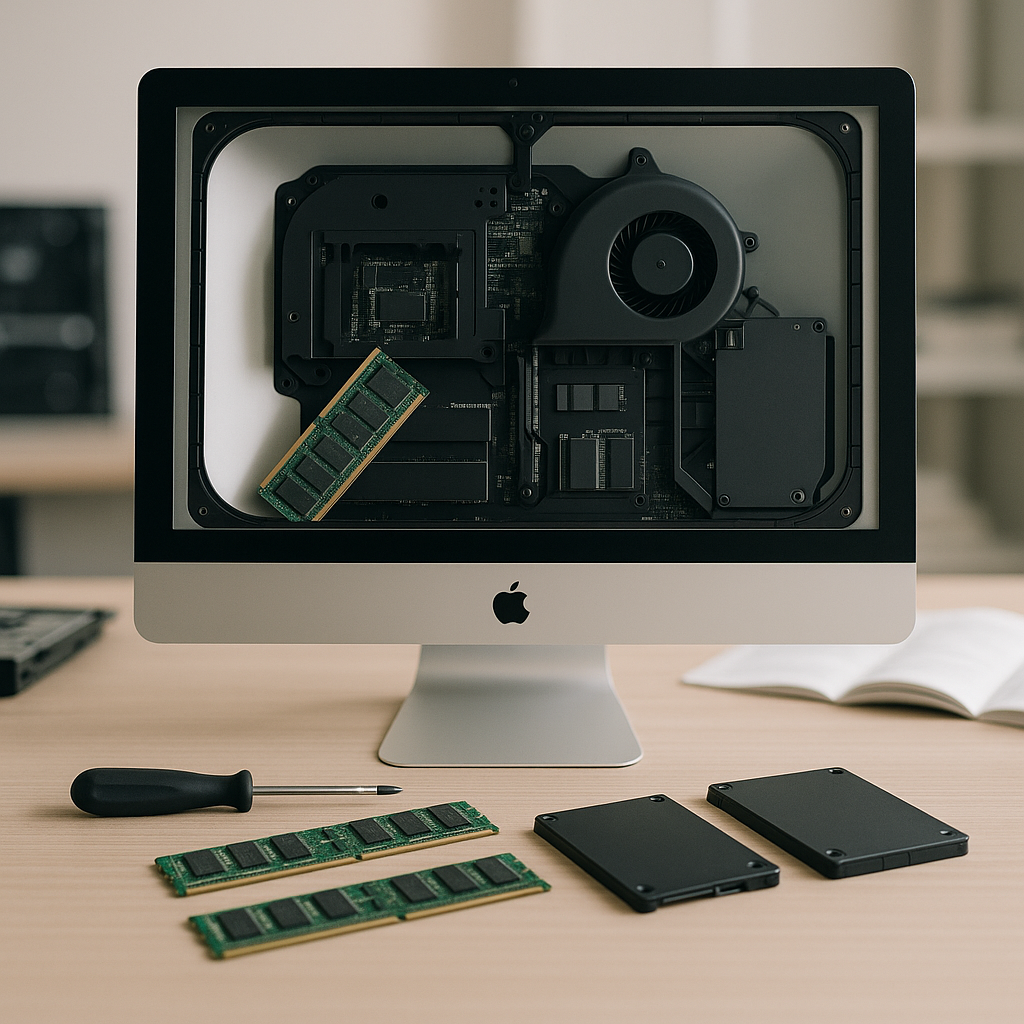
Why Upgrade Your Computer?
Upgrading your computer can breathe new life into an aging system, enhancing performance and extending its lifespan. Whether you're a gamer, a professional, or someone who uses their device for everyday tasks, computer upgrades can significantly improve your experience.
Key Benefits of Computer Upgrades
- Improved Speed: Upgrading components like RAM or the hard drive can lead to faster load times and better responsiveness.
- Enhanced Multitasking: More RAM allows you to run multiple applications smoothly without lag.
- Better Graphics: Upgrading your graphics card can improve gaming and video editing performance.
- Increased Storage: Swapping out your hard drive for an SSD can provide faster data access and additional space.
- Future-Proofing: Investing in upgrades now can help you avoid more costly replacements later.
Step-by-Step Guide to Upgrading Your Computer
Before diving into upgrades, it’s essential to assess your current system. Here’s how to effectively plan and execute computer upgrades:
1. Evaluate Your Needs
Determine what performance issues you're facing. Is your computer slow when multitasking? Is gaming performance lacking? Identifying these pain points will help you decide which components to upgrade.
2. Choose the Right Components
Based on your evaluation, select the components that will enhance your computer's performance:
- RAM: Consider upgrading to Crucial 32GB (4 x 8GB) DDR4-2666 Desktop RAM for improved multitasking capabilities.
- Storage: Replacing your HDD with an NVMe SSD can significantly improve speed, as seen in systems like the Acer Aspire TC-895 Desktop PC.
- Graphics Card: Upgrade your graphics card for better gaming and video performance.
3. Prepare for Installation
Before beginning the upgrade, ensure you have the right tools and a clean workspace. Backup your data to prevent any loss during the upgrade process.
4. Install the Components
Follow the manufacturer’s instructions for each component. Take care to handle sensitive components with static-free precautions. If you're not comfortable doing this yourself, consider reaching out to your local repair shop for assistance.
Consider Complete Systems for Performance
If you find that upgrading individual parts may not yield the desired performance, consider investing in a complete system. For example, the Complete Dell Computer with 2 x 24 Inch Monitors or the Complete Dell OptiPlex SFF Computer with 2 Monitors offers a powerful setup out of the box. Additionally, check our collection of New Custom Built Computers for tailored solutions that fit your performance needs.
Final Thoughts
Upgrading your computer can make a significant difference in its performance and longevity. Whether you opt for individual component upgrades or a complete system overhaul, investing in your computer's capabilities is always a wise decision. For more information on available upgrades or to explore our clearance section for budget-friendly options, feel free to contact us or browse through our products!