
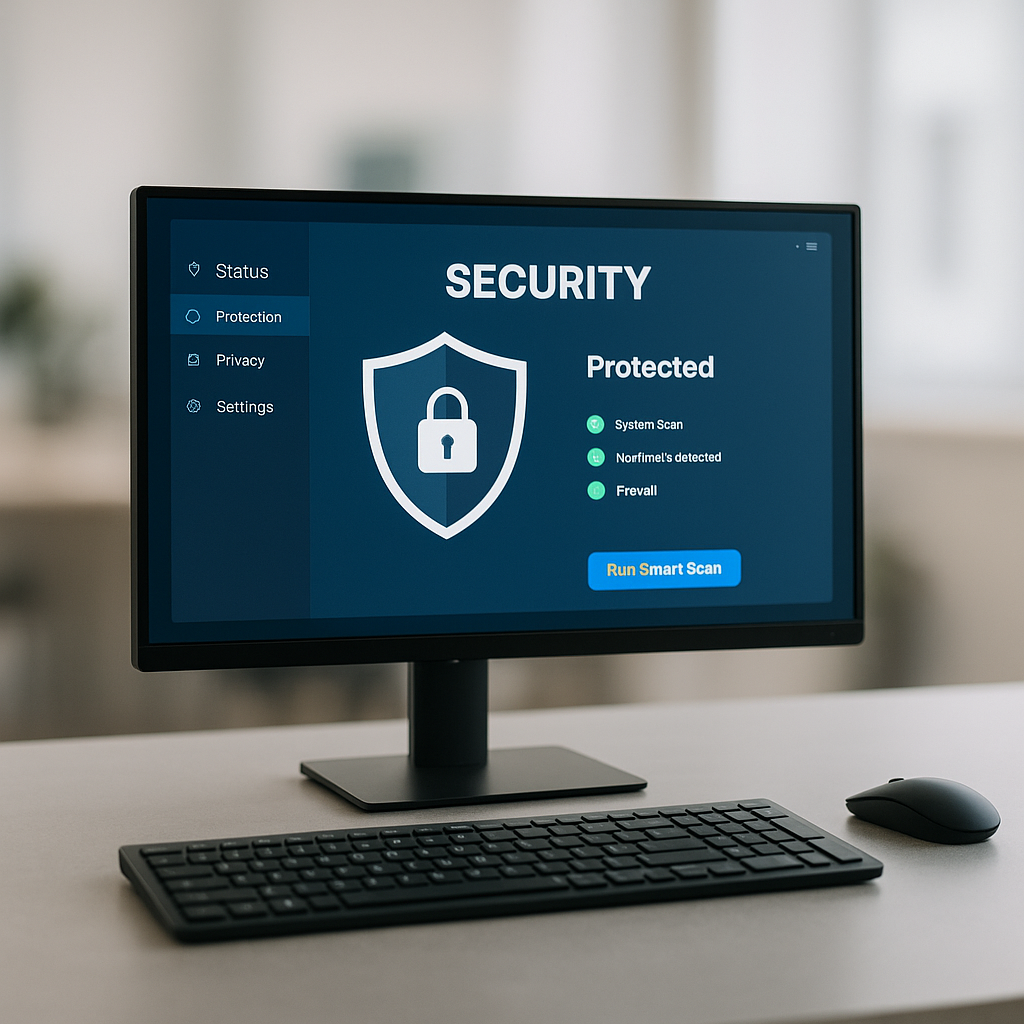
What Are Computer Viruses?
Computer viruses are malicious software programs designed to harm your computer system, steal sensitive information, or disrupt your operations. They often spread through downloads, email attachments, or compromised websites. Understanding the different types of computer viruses and their symptoms is essential for effective prevention.
Common Types of Computer Viruses
There are several prevalent types of computer viruses to be aware of:
- Trojan Horses: These viruses disguise themselves as legitimate software. Once activated, they can create backdoors for hackers to exploit.
- Worms: Worms replicate themselves to spread across networks, often consuming resources and slowing down systems.
- Ransomware: This malicious software encrypts your files and demands a ransom for the decryption key, putting your data at risk.
- Adware: While not always harmful, adware can clutter your computer with unwanted ads and slow down your system.
- Spyware: This type monitors your activities and collects personal information without your knowledge, compromising your privacy.
Symptoms of a Virus Infection
Identifying the symptoms of a virus infection early can help you mitigate damage. Common signs include:
- Unexpected pop-up messages or ads.
- Frequent crashes or slow performance.
- Unexplained data loss or file corruption.
- New programs appearing that you didn’t install.
- Changes to your homepage or search engine settings.
Computer Viruses Prevention Tips
Preventing computer viruses is crucial for maintaining a secure system. Here are some effective computer viruses prevention tips:
- Install Antivirus Software: Use reputable antivirus and anti-malware programs to detect and remove threats.
- Keep Software Updated: Regularly update your operating system and applications to fix vulnerabilities that viruses might exploit.
- Avoid Suspicious Links: Be cautious with email attachments and links from unknown sources.
- Use a Firewall: A firewall helps block unauthorized access and can prevent malware from entering your system.
- Regular Backups: Backup your data regularly to recover it in case of a ransomware attack or data loss due to viruses.
Stay Protected with the Right Tools
To enhance your computer's security, consider investing in reliable hardware. For example, the Acer Aspire TC-895 Desktop PC is equipped with robust specifications that can help run security programs efficiently. Additionally, for devices that need wireless connectivity, check out our Addon - Internal Wi-Fi + Bluetooth PCIe Card for seamless internet access.
Whether you need a new desktop or looking for clearance items, browse our Desktop Computers or check out our Clearance section for great deals on tech products.
If you suspect your computer has been infected or need further assistance with prevention tips, don’t hesitate to contact your local repair shop. We’re here to help keep your system secure and running smoothly!