
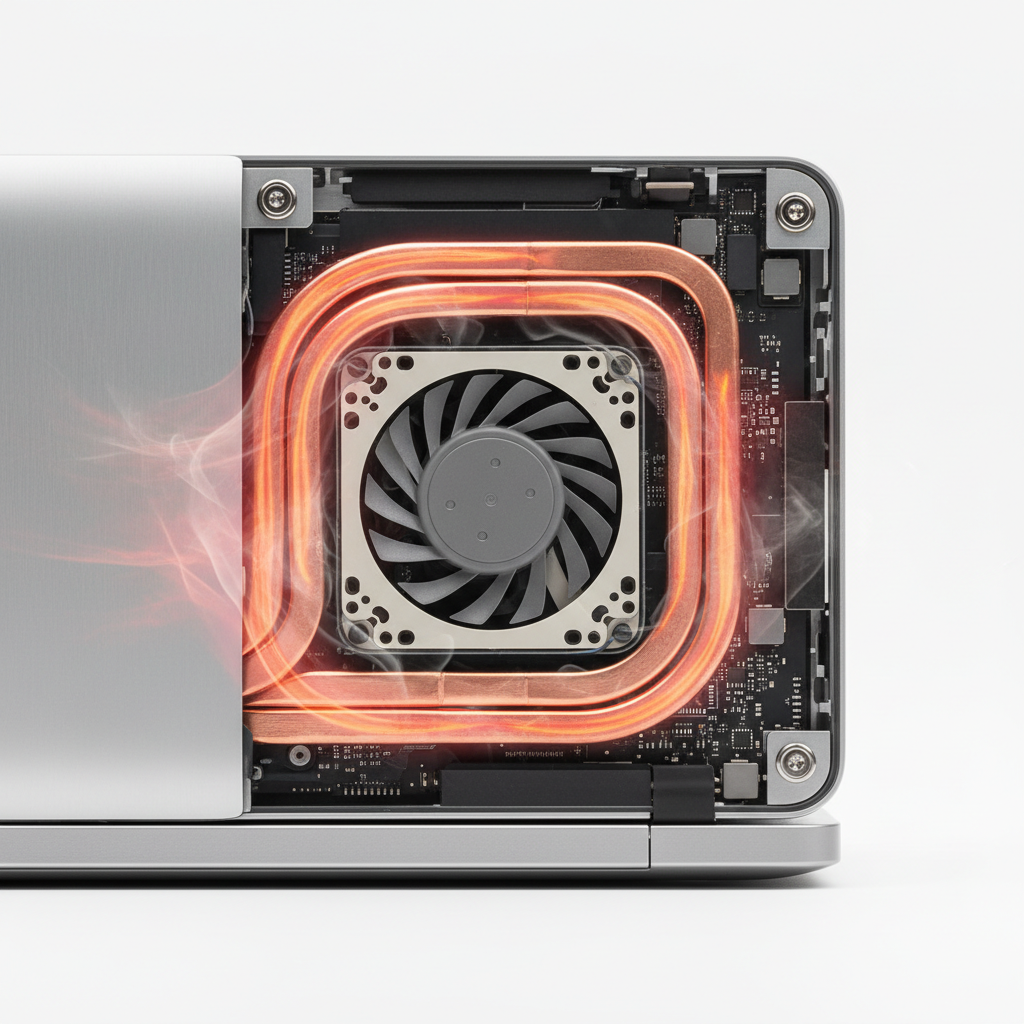
Is your laptop running hot enough to fry an egg? Overheating is one of the most common issues affecting laptop performance and longevity. Understanding how to identify and resolve temperature problems can save you from costly hardware failures and extend your device's lifespan.
Understanding Why Laptops Overheat
Laptops generate heat through normal operation, but when cooling systems fail to dissipate that heat effectively, problems arise. The most common causes include dust accumulation blocking air vents, failing cooling fans, dried thermal paste on the CPU and GPU, and demanding applications that push hardware to its limits. Environmental factors like using your laptop on soft surfaces such as beds or couches can also restrict airflow and contribute to overheating issues.
Warning Signs Your Laptop Is Overheating
Before diving into laptop overheating repair solutions, you need to recognize the symptoms. Your device may exhibit several telltale signs:
- Fans running constantly at high speeds or making unusual noises
- The bottom of the laptop becomes uncomfortably hot to touch
- Unexpected shutdowns or system freezes during intensive tasks
- Decreased performance and slower processing speeds
- Screen flickering or graphical artifacts appearing
- Warning messages about high temperatures
If you notice any of these symptoms, it's time to take action before permanent damage occurs to your internal components.
DIY Solutions for Laptop Overheating Repair
Many overheating problems can be resolved with some basic maintenance. Start by cleaning the air vents using compressed air to remove dust buildup. Ensure you're using your laptop on hard, flat surfaces that allow proper ventilation. Consider investing in a USB hub or Type C hub to reduce the load on your laptop's internal ports, which can generate additional heat.
Check your power settings and adjust them to balanced or power-saving mode. Close unnecessary background applications and browser tabs that consume CPU resources. If you're using external displays with adapters like a 4K DisplayPort to HDMI adapter, ensure your laptop's GPU isn't being overworked by running displays at unnecessarily high resolutions.
When to Replace Components
Sometimes the issue goes deeper than surface cleaning. Aging laptop batteries can generate excessive heat and should be replaced if they're swollen or no longer holding a charge properly. Similarly, faulty laptop chargers can cause power regulation issues that lead to overheating. If you're considering an upgrade, modern laptops like the 15.6 inch Lenovo IdeaPad 1 feature improved thermal management systems.
Professional Laptop Overheating Repair Services
While basic maintenance can resolve many issues, some problems require professional expertise. Internal cleaning to remove dust from heatsinks and fans, reapplying thermal paste to the CPU and GPU, replacing failing cooling fans, and diagnosing motherboard issues all require specialized tools and knowledge. Attempting these repairs without proper experience can void warranties or cause additional damage.
Professional technicians can also identify whether your overheating is caused by hardware failures, software conflicts, or malware running in the background. They have diagnostic tools to measure exact component temperatures and pinpoint the source of thermal problems.
Preventing Future Overheating Problems
Prevention is always better than cure when it comes to laptop overheating repair. Establish a regular cleaning schedule every 3-6 months, use a cooling pad for intensive tasks like gaming or video editing, keep your operating system and drivers updated, and avoid blocking air vents during use. Monitor your laptop's temperature using software utilities and address any gradual temperature increases before they become critical.
Don't let overheating damage your valuable laptop. Whether you need professional laptop overheating repair services, replacement components, or simply want advice on maintaining your device, our experienced team is here to help. Browse our selection of batteries, chargers, and accessories, or contact your local repair shop today for a comprehensive diagnostic assessment.