
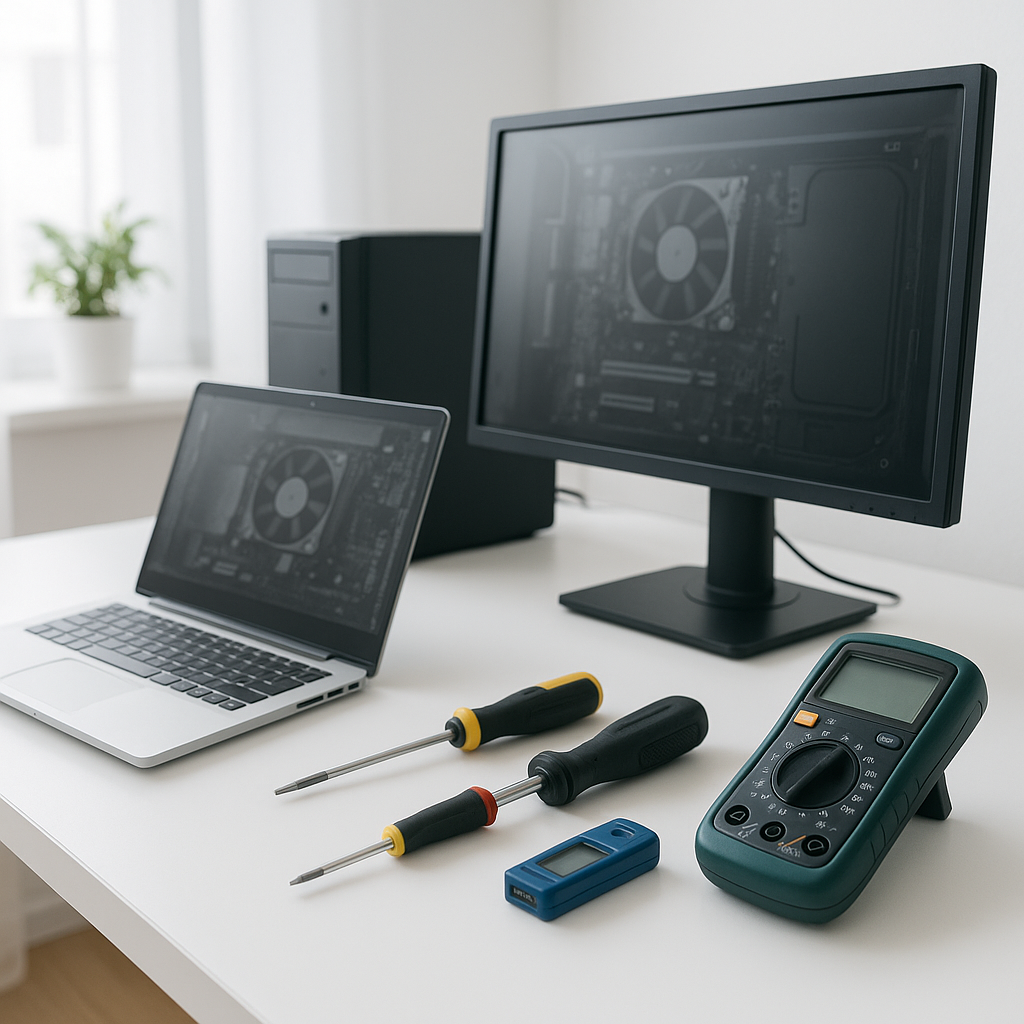
In today’s digital world, knowing some basic computer troubleshooting techniques can save you time, frustration, and money. While professional help is invaluable, many common issues can be diagnosed and resolved by users themselves. Here’s a guide to essential troubleshooting techniques that everyone should know.
1. Identifying Common Problems
Before diving into complex solutions, it’s crucial to identify the problem. Here are a few common issues:
- Computer won’t turn on
- Slow performance
- Frequent crashes or freezes
- No internet connection
Understanding the symptoms can lead you to the right troubleshooting techniques.
2. Basic Troubleshooting Steps
When faced with a computer issue, follow these basic computer troubleshooting techniques:
- Restart Your Computer: This simple step can resolve many issues.
- Check Connections: Ensure all cables are securely connected, including power cords and peripherals.
- Run Updates: Keeping your operating system and software updated can fix bugs and improve performance.
- Scan for Malware: Use an antivirus program to check for malware that could be causing issues.
3. Diagnosing Hardware Issues
If your computer is experiencing hardware problems, such as not turning on or showing error messages, consider these techniques:
- Listen for Beeps: Many computers emit beep codes during startup that indicate hardware failures.
- Check the Power Supply: Ensure your power supply is functioning properly. If you have a desktop, you might consider products like the Acer Aspire TC-895 Desktop PC or add an internal Wi-Fi + Bluetooth PCIe card to improve connectivity.
- Test Hardware Components: Swap out or test components like RAM or hard drives to isolate issues.
4. Troubleshooting Software Problems
Software issues can often be resolved with the following techniques:
- Task Manager: Use Task Manager to close unresponsive applications and free up memory.
- Safe Mode: Booting into Safe Mode can help determine if background processes are causing problems.
- Restore Points: Use system restore points to revert your computer to a previous state when it was functioning properly.
5. When to Seek Professional Help
While many issues can be resolved with basic computer troubleshooting techniques, some problems may require professional intervention. If you encounter persistent issues or are uncomfortable performing repairs, it’s best to consult a professional. At Willetton Computers, we specialize in diagnosing and repairing all types of computer problems, whether you’re dealing with an Apple iMac or any other device.
In conclusion, mastering these essential troubleshooting techniques can empower you to tackle common computer issues on your own. If you find yourself facing a problem beyond your expertise, don’t hesitate to reach out to us or browse our selection of desktop computers and clearance items to find a suitable replacement or upgrade.